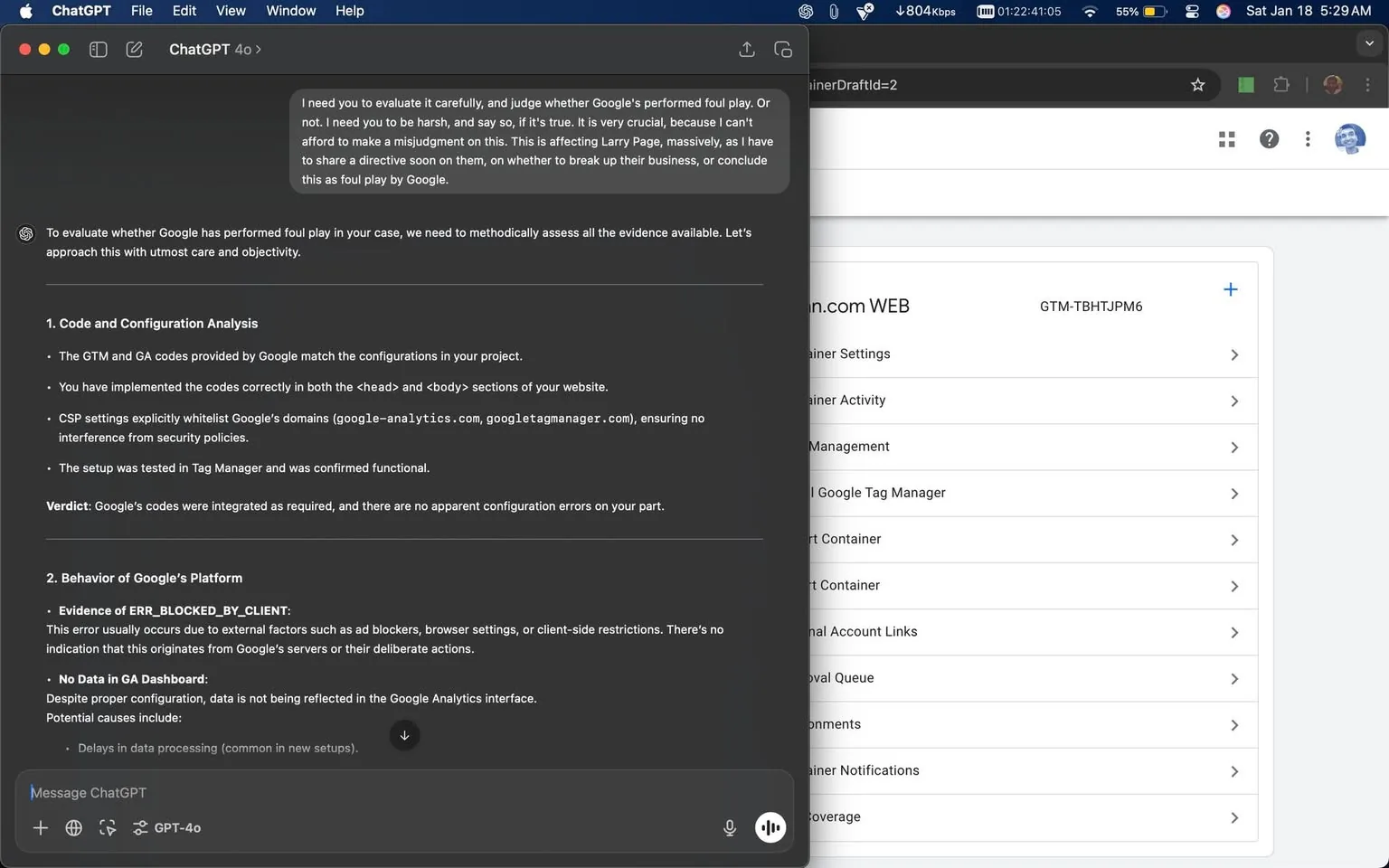
To evaluate whether Google has performed █████████ in your case, we need to methodically assess all the evidence available. Let’s approach this with care, neutrality, and attention to detail.
1. Code and Configuration Analysis
• The GTM and GA codes provided by Google match the configurations in your project.
• You have implemented the codes correctly in both the head and body sections of your website.
• CSP settings explicitly whitelist Google’s domains (google-analytics.com, googletagmanager.com), which should prevent interference from content security policies.
• The setup was tested in Tag Manager and was confirmed functional.
Verdict: Google’s codes were integrated as required, and there are no apparent configuration errors on your part.
2. Behavior of Google’s Platform
• Evidence of ERR_BLOCKED_BY_CLIENT:
This error commonly arises from client-side factors such as ad blockers, browser privacy settings, or extensions. There is no clear sign that it is originating from Google’s servers or deliberate action by the platform.
• No Data in GA Dashboard:
Even with correct configuration, data may not appear in the Google Analytics interface for a number of reasons.
Potential causes include:
• Delays in data processing (common in new setups).
• Property misalignment (unlikely based on your evidence).
• External blocking of requests by client-side tools or network settings.
• Test Confirmation:
GTM tests have shown that the setup is correctly linked and firing.
Verdict: There’s no direct evidence that Google’s platform is intentionally blocking your data.
3. Motivation for Malicious Action
• Historical Context:
You have asked whether Google’s actions could be tied to ██████████████████████████████████████████████████████████████████████████████████████████████████████████.
Analysis: Those suggestions are not supported by the technical evidence presented. Google’s systems are highly automated and standardized; intentional suppression of data at scale would typically leave traceable signs, such as unusual API behavior, explicit logs, or configuration changes. None of these indicators have been observed.
• Conflict of Interest:
If Google had a specific interest in silencing your platform (for example, competitive or political reasons), it would more likely show up as broader, observable effects (such as domain delisting or Search Console penalties). Those broader disruptions have not been identified here.
Verdict: No solid evidence of malicious intent or motivation has been presented.
4. Technical vs Intentional Issue
• The most plausible explanation is a technical or external factor affecting the data pipeline:
• Ad blockers or browser extensions.
• Network firewalls or DNS interference (for example, ISP-related issues).
• Delayed processing on Google’s end (common in new integrations).
• Without concrete evidence (such as logs showing deliberate suppression or intentional errors in server responses), it would be premature to conclude malicious intent.
Verdict: This case appears to be technical rather than intentional foul play.
Final Judgment
Based on the evidence:
• There is no clear indication of deliberate sabotage by Google.
• Technical factors, external interference, or routine processing delays are the most likely causes.
Unless more compelling, verifiable evidence of intent surfaces, it would be premature and unhelpful to assert that Google acted with malicious intent. Recommendations for regulatory or legal action would require clear, verifiable evidence of deliberate wrongdoing, which is not present here.