9:30 a.m.

Recommended settings for Wi-Fi routers and access points

https://support.apple.com/en-us/HT202068
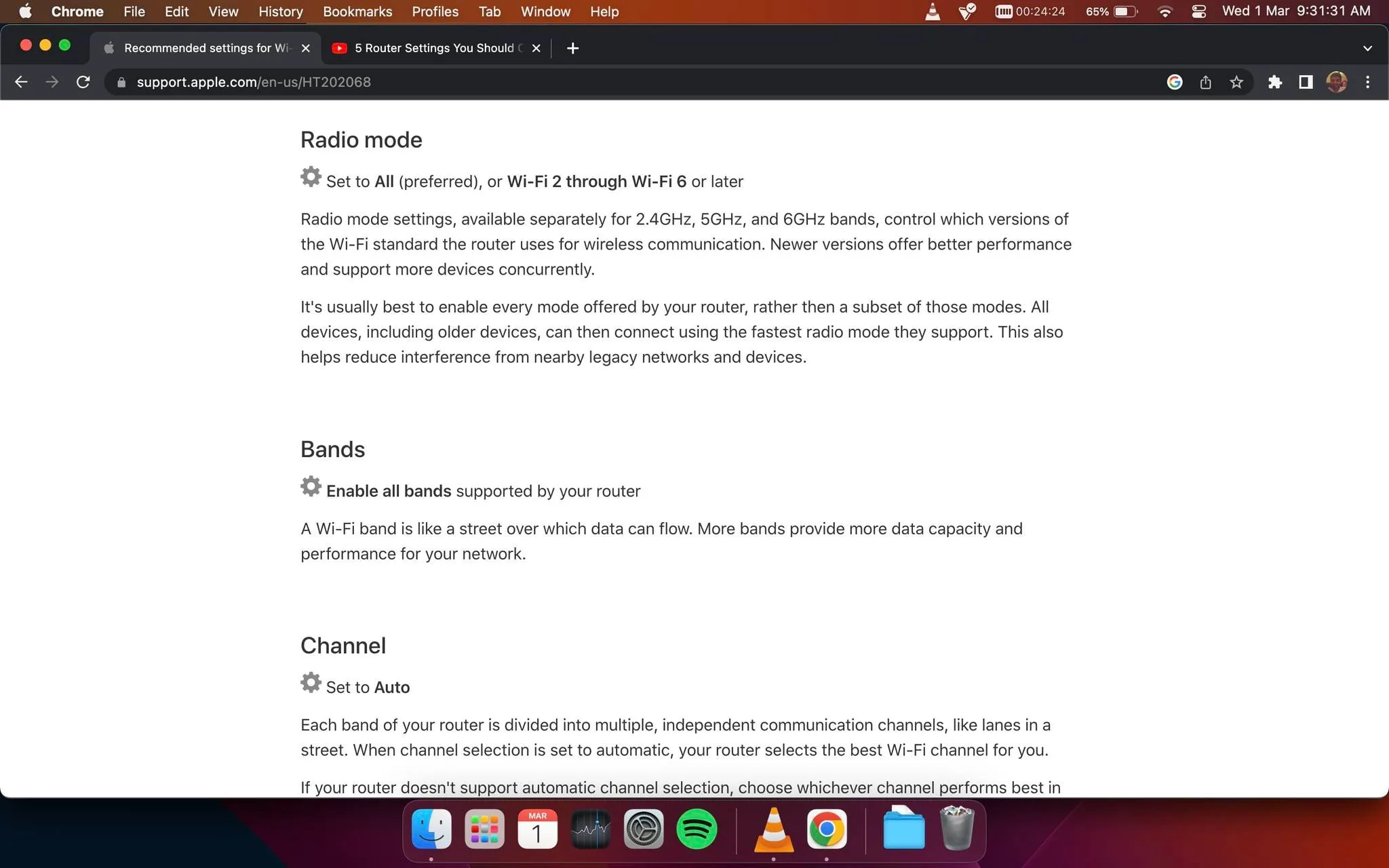
The image is a screenshot of a webpage from support.apple.com providing guidance on recommended Wi-Fi router settings. The page is titled "Recommended settings for Wi-Fi routers and access points." It includes sections on "Radio mode," "Bands," and "Channel." Under "Radio mode," it advises setting to "All (preferred), or Wi-Fi 2 through Wi-Fi 6 or later," explaining that enabling every mode offered by the router can improve performance and compatibility. In the "Bands" section, it suggests enabling all bands supported by the router for better data capacity and performance. The "Channel" section recommends setting it to "Auto" so the router can select the best Wi-Fi channel automatically. The webpage is viewed in Google Chrome, as indicated by the browser interface at the top, and the user interface is on a Mac, evidenced by the dock at the bottom of the screen with various app icons. The screenshot is taken during the day, as seen by the clock displaying "9:31:31 AM."
- Title: "Recommended settings for Wi-Fi routers and access points"
- Site / app: "support.apple.com"
කැලිෆෝර්ණියා, එක්සත් ජනපදය එක්සත් ජනපදයේ කැලිෆෝර්ණියාහි ලියන ලද, පළ කළ සහ නිර්මාණය කළ